Adobe Creative Suite from Home updated 3/2020
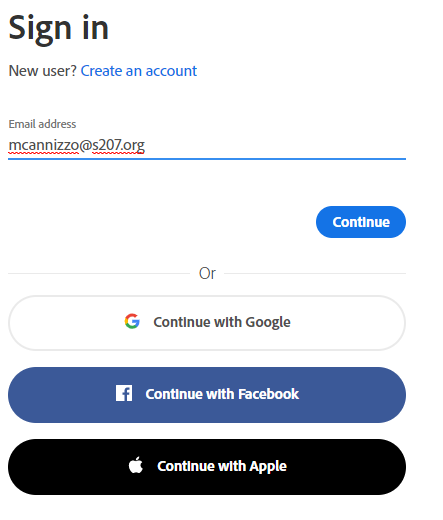
| Visit creativecloud.adobe.com Type in your email address and click “Continue” Do NOT select “Continue with Google” in this step. |
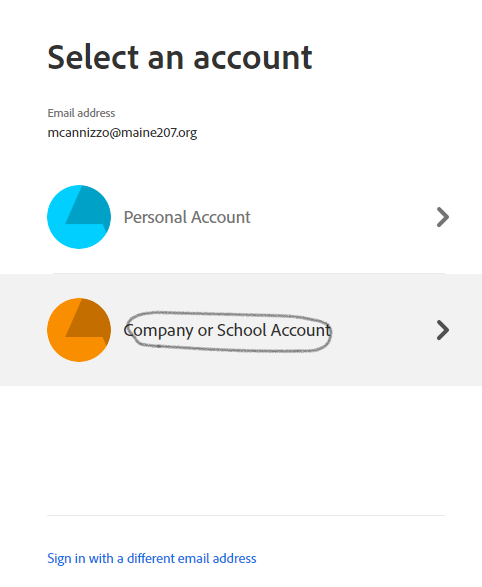
| You will be brought to this page, click “Company or School Account” |
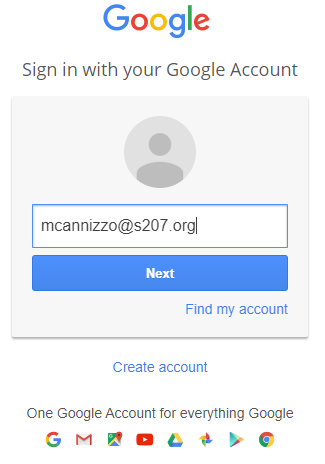
| Sign into google with your school email address and password and click ”Next” |
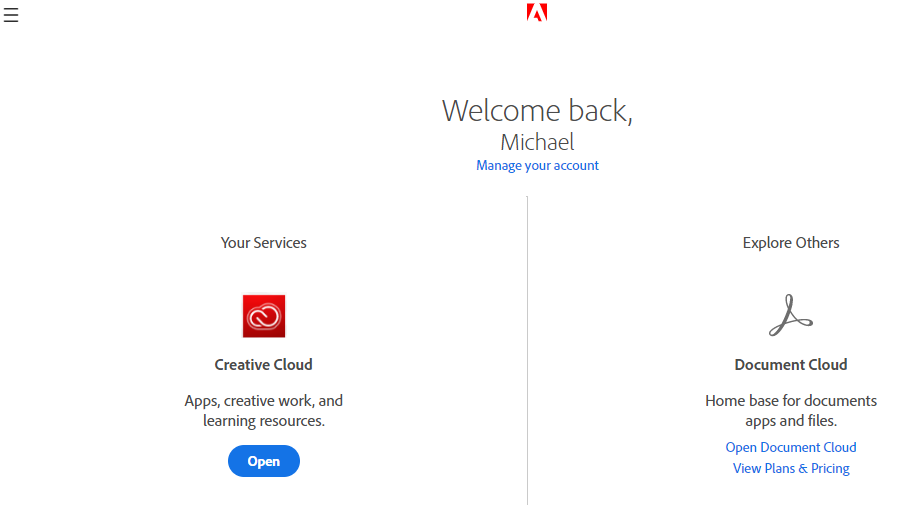
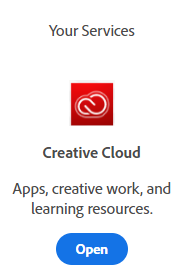
| After login, look for “Your Services” and click “Open”
|
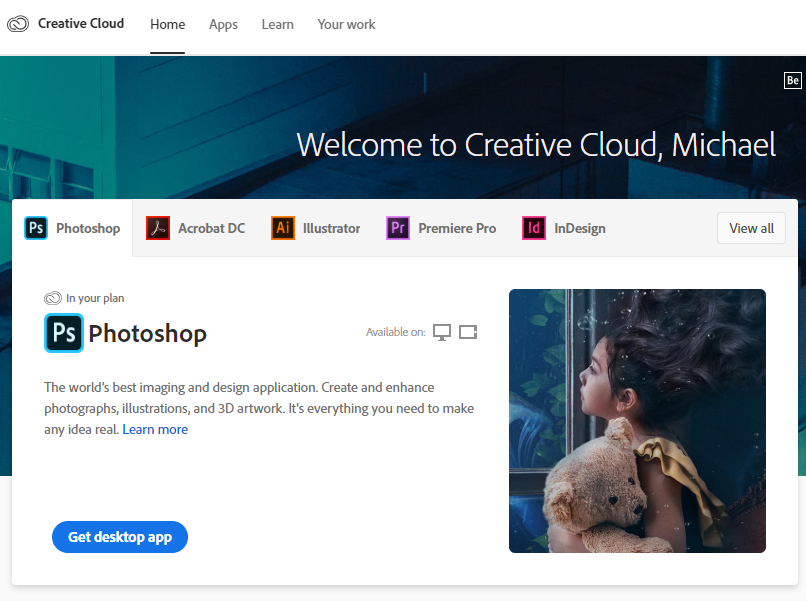
| Look for the App you need and click “Get Desktop App” to download and install the Adobe software. |
|